Trystan Marissal Portfolio
Here is my portfolio as a Data Analyst / Data Scientist
Here is how I created my first Android Application
Summary
In 2019, I needed a challenge for the summer.
I wanted to develop an Android application, but I didn’t knew what to do.
After a while, I decided to solve one of my mains issues. Since I love doing sport, I like to listen to heavy musics during my set. But I also like to have calm music while I am tidying my apartment.
👋 In 2019, the functionnality Flow from Deezer did not existed yet !! 👋
The goal of this application is to :
- Add to my queue 10 musics from my ‘Loved Tracks’ according to chosen parameters
- Sport / Zen / Party / Choice of the BPM
- Develop a music player in the application
- Make it accessible for Spotify and Deezer
Here is how it looks like :
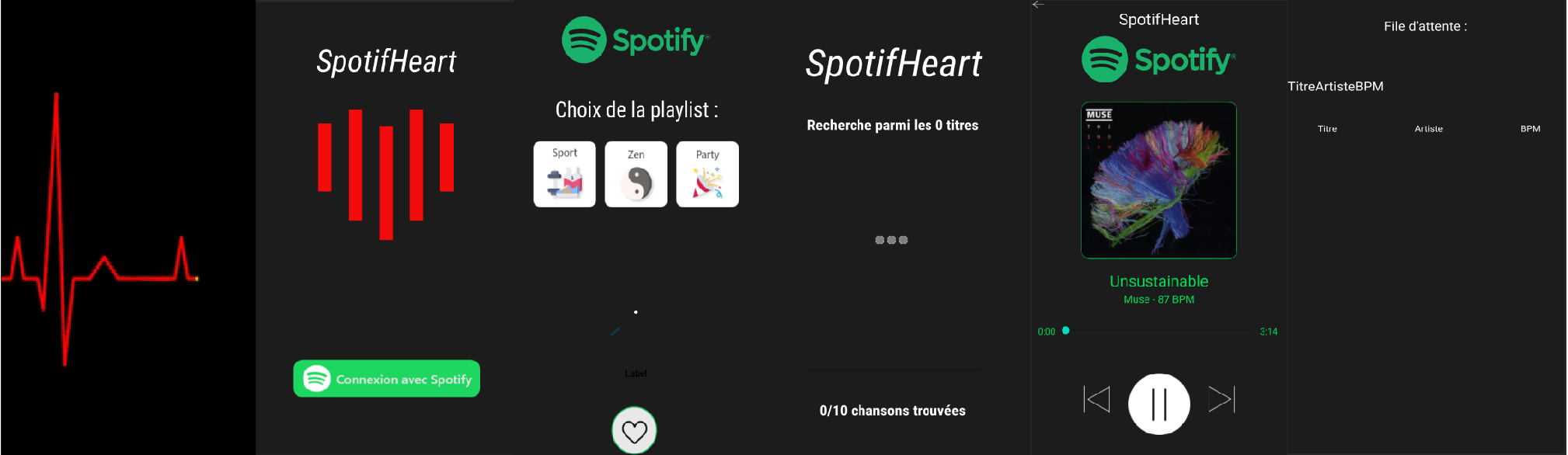
- First of all, you have a waiting screen miming a heartbeat.
- You have access to the Main Page, where you have the title, the logo and the choose of the media : Spotify and Deezer
- You can choose the type of Playlist (Sport / Zen / Party) or the BPM with the cursor below
- Once you have clicked on the Heart button, you have a LoadingScreen updating the current state of the program (0/10 titles found)
- Now, you have the Media Player where the Title/Artist/BPM/Cover is display, a reactive slider and remaining duration of the song
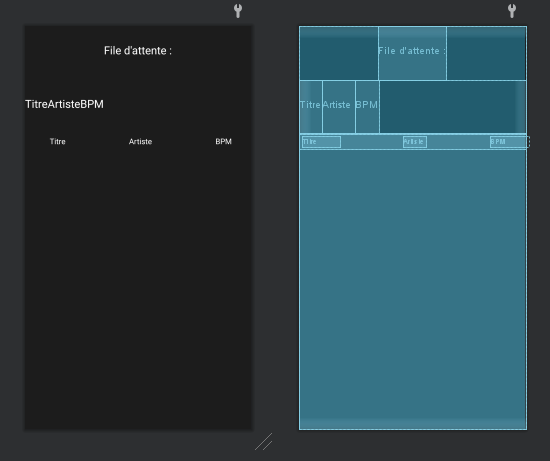
- You can have access to the current queue, wth a column for the title, the artist and the BPM
Connexion of the user on Spotify
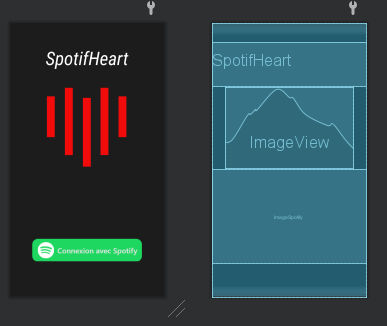
Thanks to the Spotify developers, the connexion of the user is pretty easy. An interface appears, and once he is connected, we get the authentification token and the authorization.
Gathering of the musics
I had to create the dictionnary ListeplaylistID which contains the URL to all the playlist liked by the user. We will also add the URL of the TOP 50 World.
Now, we are going through all the musics into the differents playlsts, and stored them into ListeMusic :
https://api.spotify.com/v1/playlists/" + ListeplaylistID.get(j) + "/tracks?market=FR&fields=items(track(id,name))&limit=100&offset=1
Parameters for the choice of the music
Spotify gives metadata with the music, like a float value between 0 and 1 for the energy, the danceabilty or the valence.
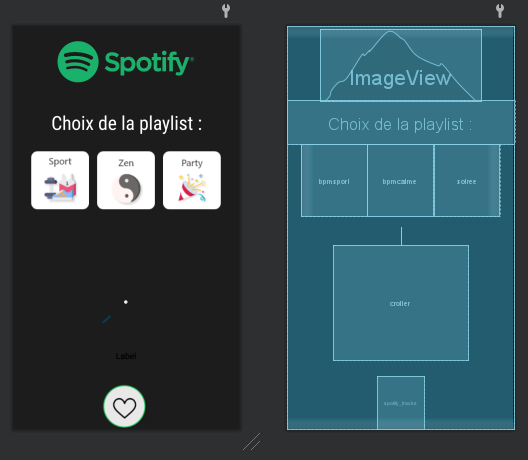
Thanks to these informations, I am able to specify which vibe do I look for :
- Sport : If energy >= 0.8 then add to the queue
- Zen : If energy <= 0.4 then add to the queue
- Party : If dance > 0.7, energy >= 0.6 and valence >= 0.5 then add to the queue
- BPM : If the BPM is between BPMmin and BPMmax
Loading of the queue
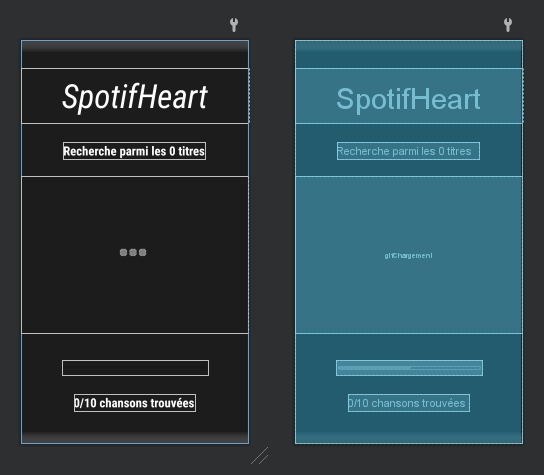
When you have chosen your style of music, the program will go through listeMusic and find the 10 first items that correspond. They will be listed on the waiting screen above, and the number will be updated also.
The program is done, and 10 news songs are now available in your queue !
Creation of the music player
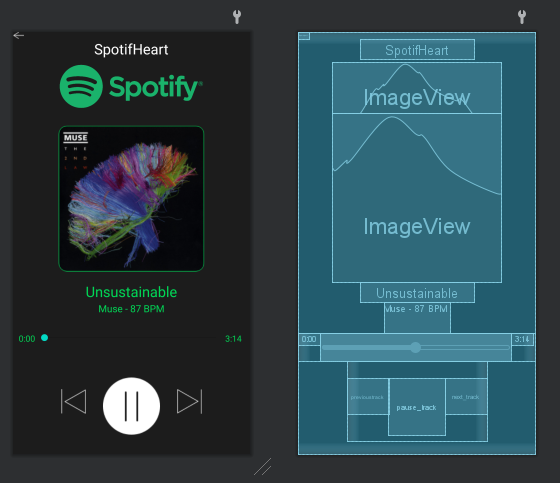
The player displayed above is reactive :
- The cover of the music is the one the user is listening
- The name / artist / BPM is the one the user is listening
- The progressBar, the duration and the remaining length is the one the user is listening
- When you change the progressBar, the song will be affected
- The button “Previous song”, “Next song” and “Pause” will affect the song